You Don’t Need a Bigger Budget. You Need a Better Brochure Printer.
Let’s be honest. Most companies spend way too much on marketing materials that end up in the trash. Not because the content is bad — because the print quality screams “cheap.” Flimsy paper, washed-out colors, crooked folds. You’ve seen it. So have your customers.
Here’s what I’ve learned after years in the printing industry: a well-printed brochure doesn’t just share information. It builds trust before anyone reads a single word. The weight of the paper in someone’s hand, the crispness of a fold, the way light catches a spot UV logo — these things register in a split second. And they matter more than most marketing teams realize.
This guide walks you through everything you need to know about brochure printing , with a specific focus on why more businesses are turning to custom brochure printing in China . I’ll cover sizes, paper choices, folding styles, finishing techniques, pricing realities, file preparation, and shipping logistics. By the end, you’ll know exactly how to order brochures that feel premium without blowing your budget.
Brochure Sizes That Actually Work
Size isn’t just about fitting content. It shapes how someone holds your brochure, reads it, and remembers it. Pick the wrong dimensions and you’ll fight the format the entire time.
A4 (210 × 297 mm) — The International Workhorse
A4 is the most common brochure format outside North America. It gives you enough real estate for product photos, detailed descriptions, and clean layouts without feeling like a poster. Most Chinese printers stock A4-compatible paper as standard, which means faster turnaround and lower setup costs. If you’re distributing at trade shows across Europe or Asia, A4 is the safe bet.
A5 (148 × 210 mm) — Pocket-Sized Persuasion
A5 brochures fit in a jacket pocket or a conference tote bag. They’re ideal for event handouts, restaurant menus, and quick-reference product guides. The smaller canvas forces you to be concise, and honestly, that’s a good thing. Most brochures are too wordy anyway.
DL (99 × 210 mm) — The Mail-Ready Format
DL size is engineered to fit standard business envelopes. If your distribution strategy involves direct mail, this is your format. It’s also popular for rack displays in hotels, airports, and tourist centers. The tall, narrow shape creates a distinctive visual rhythm that stands apart from standard rectangles.
US Letter (8.5 × 11 inches) — North American Standard
If your primary market is the United States or Canada, Letter size is what local audiences expect. Most Chinese printing factories are fully equipped to handle US Letter dimensions — just make sure you specify “US Letter” clearly on your order sheet to avoid any A4/Letter confusion during prepress.
Square (210 × 210 mm) — Stand-Out Statement
Square brochures cost a bit more because they waste more paper on the press sheet, but the visual payoff is real. They feel premium, modern, and intentional. High-end real estate agencies, boutique hotels, and luxury brands lean on square formats for a reason.
Paper Matters More Than You Think
Paper is the foundation of any brochure printing project. Get it wrong and even the best design looks amateurish. Here’s a practical breakdown of what to choose and why.
Glossy Art Paper — For Visual Impact
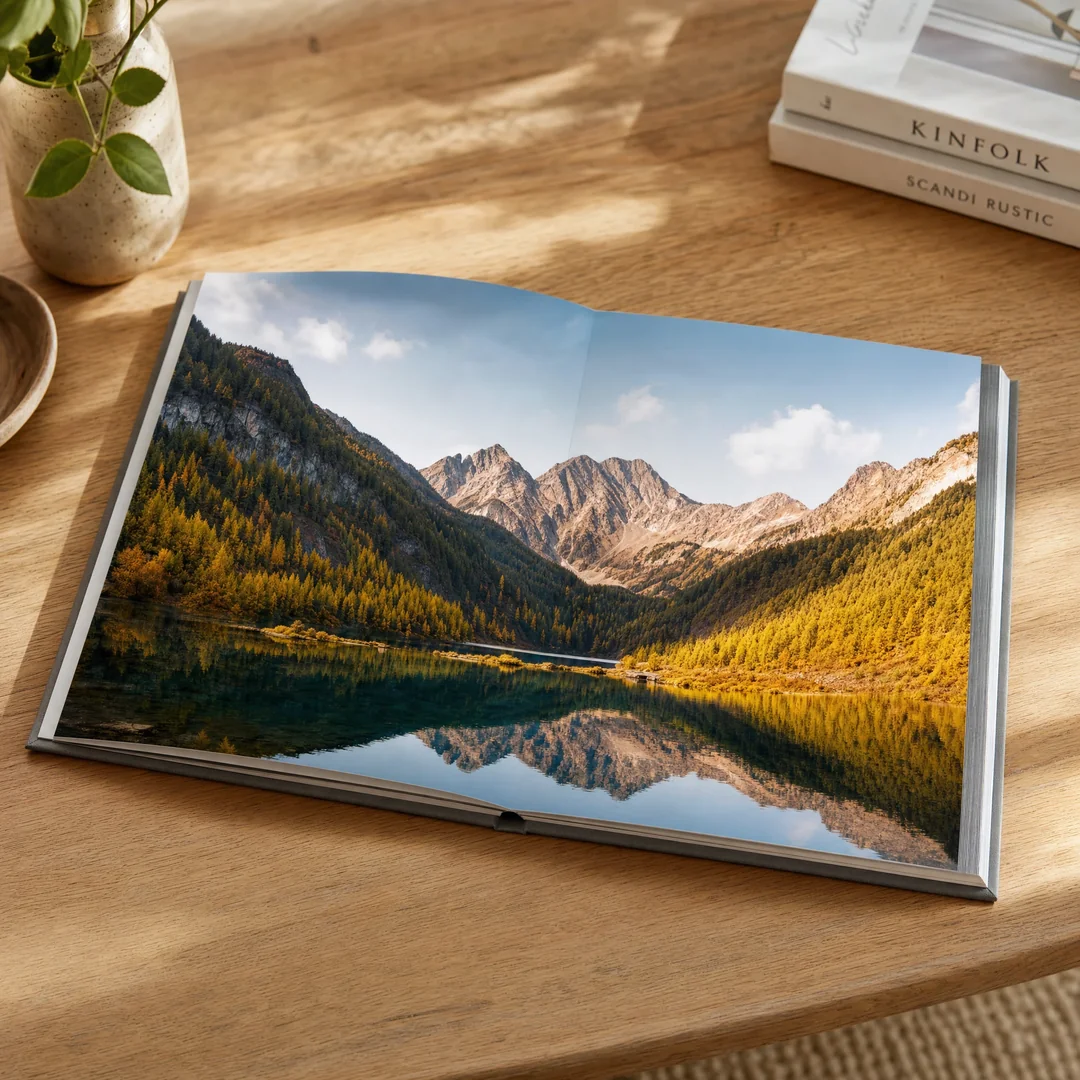
Glossy coated paper (often called C2S art paper in China) makes colors pop. The coating seals the paper surface so ink sits on top rather than soaking in, producing sharp, vibrant images with strong contrast. It’s the go-to choice for product catalogs, real estate brochures, and anything with lots of photography.
Common weights for brochure printing: 128 gsm for lightweight folded brochures, 157 gsm for standard tri-fold and bi-fold pieces, and 200–250 gsm for covers or single-sheet brochures that need to feel substantial. A 157 gsm glossy art paper hits the sweet spot for most commercial brochures — it folds cleanly without cracking and has enough body to feel professional in hand.
Matte Art Paper — Elegant and Readable
Matte coated paper delivers the same print quality as glossy but without the shine. Colors look rich rather than loud, and text is easier to read under various lighting conditions because there’s no glare. It’s also more writable — important if your brochure includes a reply form or note section. Many corporate and professional services firms prefer matte for this reason.
Uncoated Paper — Natural and Tactile
Uncoated paper has no surface coating, so it feels more natural and textured. It’s highly writable, making it perfect for brochures with fill-in forms, event programs where people take notes, or eco-conscious brands that want an organic aesthetic. Weight options typically range from 100 gsm to 180 gsm. The trade-off: images look softer and less vibrant than on coated stock.
A Quick Weight Guide
If you’re new to paper weights, here’s a rough translation: 128–157 gsm feels like a quality magazine page. 200–250 gsm feels like a postcard or brochure cover. 300–350 gsm is card-stock territory — stiff, premium, and hard to fold. For most brochure printing projects, 157 gsm for inner pages and 200–250 gsm for covers strikes the right balance between durability and handling ease.
Folding and Binding Options
The way your brochure opens determines how your reader experiences the content. Each fold type creates a different reading sequence, so choose based on your storytelling approach.
Bi-Fold — Simple and Confident
A single fold down the center creates four panels (front cover, back cover, and two interior pages). It’s clean, economical, and works well for company profiles, event programs, and straightforward product introductions. Nothing fancy, but done well on good paper, it communicates confidence.
Tri-Fold — The Classic Six-Panel Layout
Tri-fold is the most popular brochure format in the world for a reason. Two parallel folds create six panels that guide the reader through a natural left-to-right flow. It’s versatile enough for restaurant menus, service brochures, product line overviews, and direct mail. The standard tri-fold starts with an 11 × 8.5-inch or A4 flat sheet.
Z-Fold — Sequential Storytelling
Z-fold (also called accordion fold or zig-zag) alternates fold directions to create a continuous panel flow. It’s perfect for step-by-step instructions, timelines, or any content that benefits from sequential reading. Because the panels don’t nest inside each other like a tri-fold, the Z-fold also works well for bilingual content where you want both languages visible simultaneously.
Gate Fold — The Dramatic Reveal
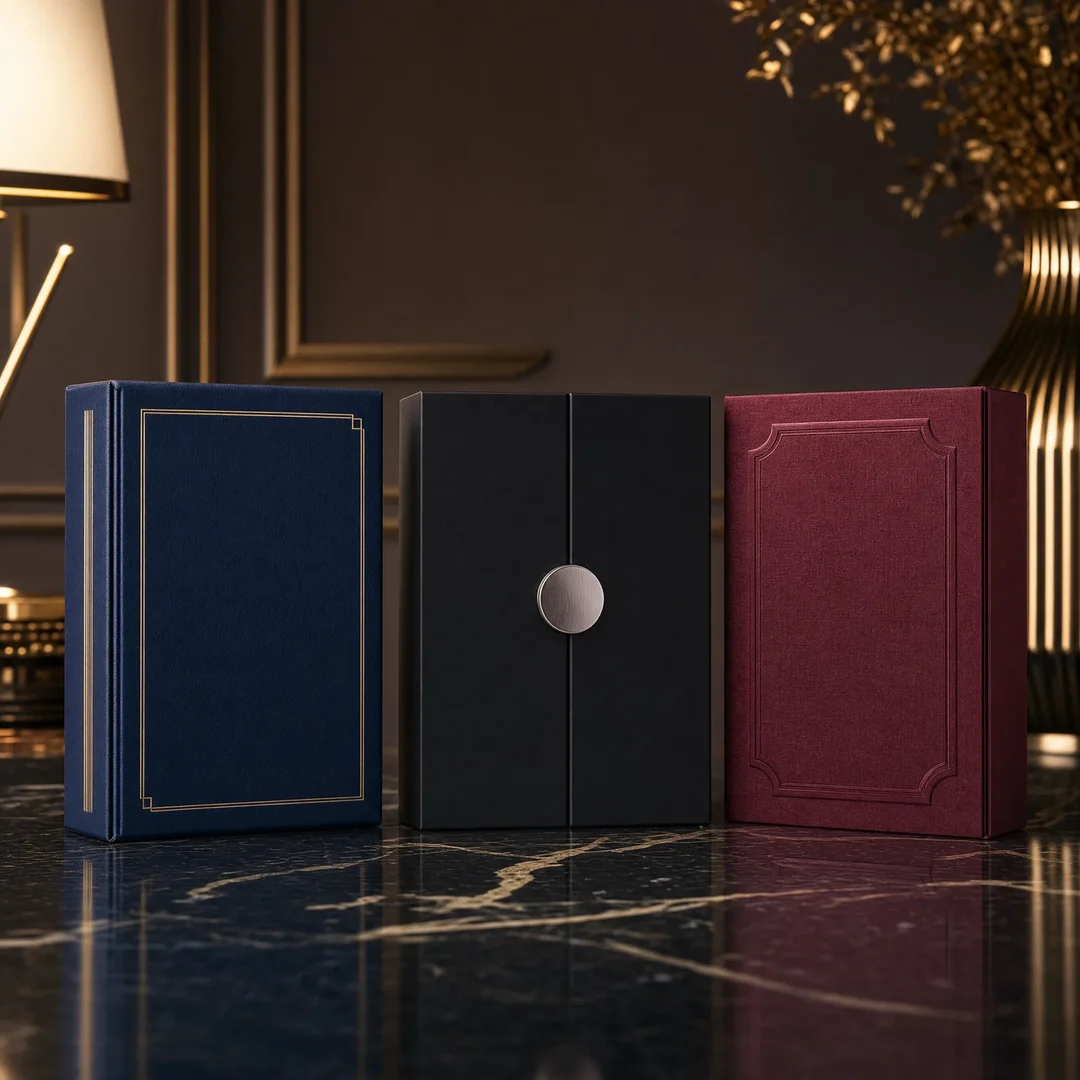
Two side panels fold inward to meet at the center, then open like double doors to reveal a full-width interior spread. Gate folding creates a sense of ceremony — perfect for product launches, luxury branding, or any message that benefits from a “ta-da” moment. It costs more to produce but commands attention in ways standard folds don’t.
Saddle Stitch Binding — For Multi-Page Brochures
When your brochure runs 8 pages or more, folding alone won’t cut it. Saddle stitching (stapling along the spine crease) binds multiple sheets into a booklet format. It’s cost-effective for runs up to about 64 pages and lays relatively flat when opened. Most catalogs, program booklets, and product guides use this method.
Perfect Binding — The Book-Quality Option
For thicker brochures (typically 28+ pages), perfect binding glues the pages to a flat spine, creating a book-like appearance. It’s more expensive than saddle stitching but gives you a printable spine — valuable for retail shelf appeal. Perfect-bound brochures can’t lay completely flat, so avoid this for workbooks or manuals where people need to write in them.
Surface Finishing: The Details That Sell
Finishing is where budget printing and premium printing diverge. A well-chosen finish transforms an ordinary brochure into something people want to keep — and that’s the whole point.
Glossy vs. Matte Lamination
Lamination applies a thin plastic film over the printed surface. Glossy lamination amplifies color saturation and creates a high-shine finish that’s extremely durable. It’s great for brochures that will be handled frequently — trade show handouts, restaurant menus, retail displays. Matte lamination delivers a sophisticated, non-reflective surface that resists fingerprints and feels smooth to the touch. Most corporate and luxury brands prefer matte.
Soft Touch Lamination
Soft touch (sometimes called velvet lamination) has exploded in popularity over the last few years. It creates a suede-like texture that practically begs people to pick up the brochure. It’s a tactile experience that signals premium quality instantly. The trade-off: it costs more than standard lamination and shows oil from fingerprints more readily.
Spot UV — Selective Shine
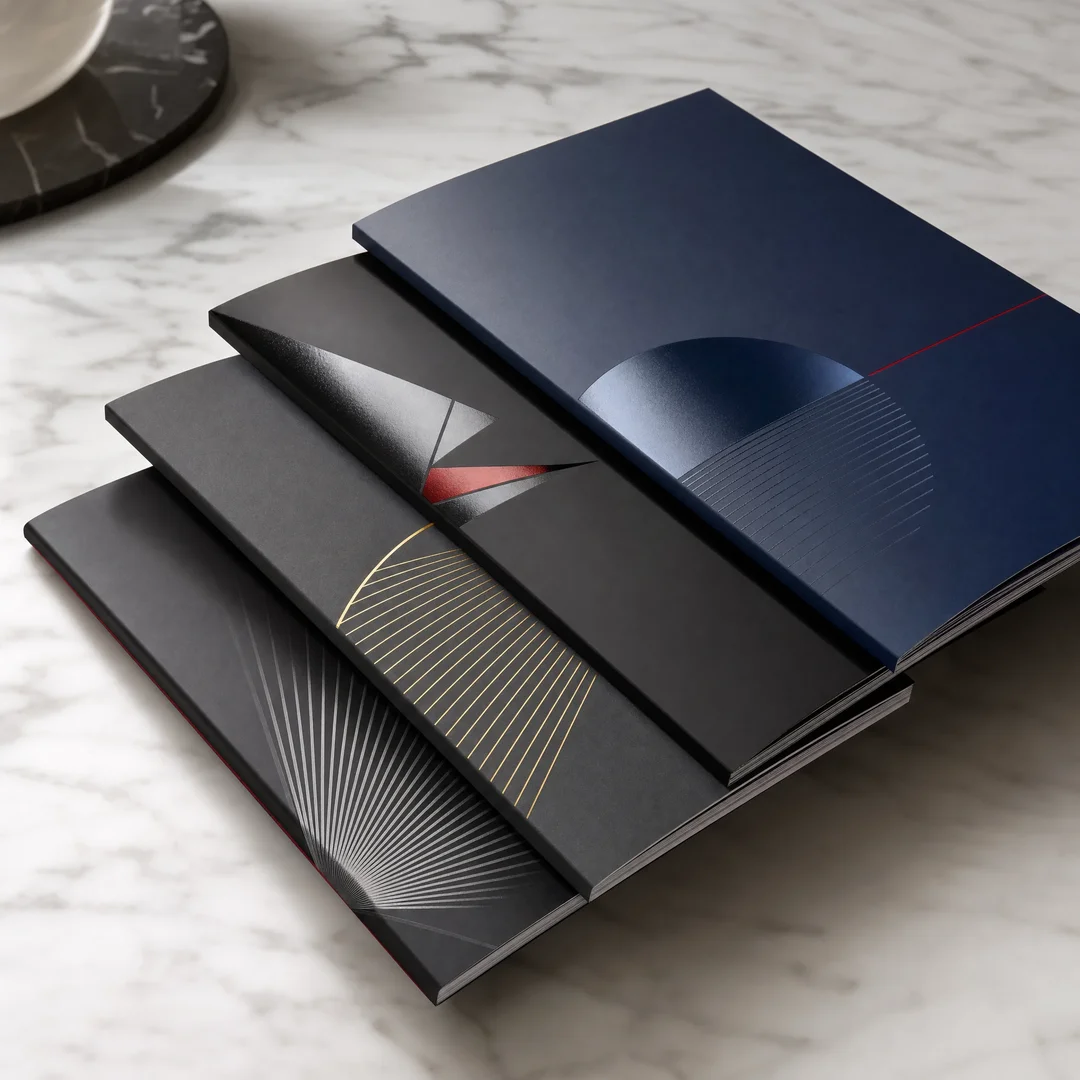
Spot UV applies a glossy, raised coating to specific areas of the design — your logo, a product image, a headline. The contrast between the matte background and the glossy spot UV elements creates a sophisticated dimensional effect. It’s one of the most cost-effective ways to make a standard brochure feel custom and high-end.
Foil Stamping — Metallic Luxury
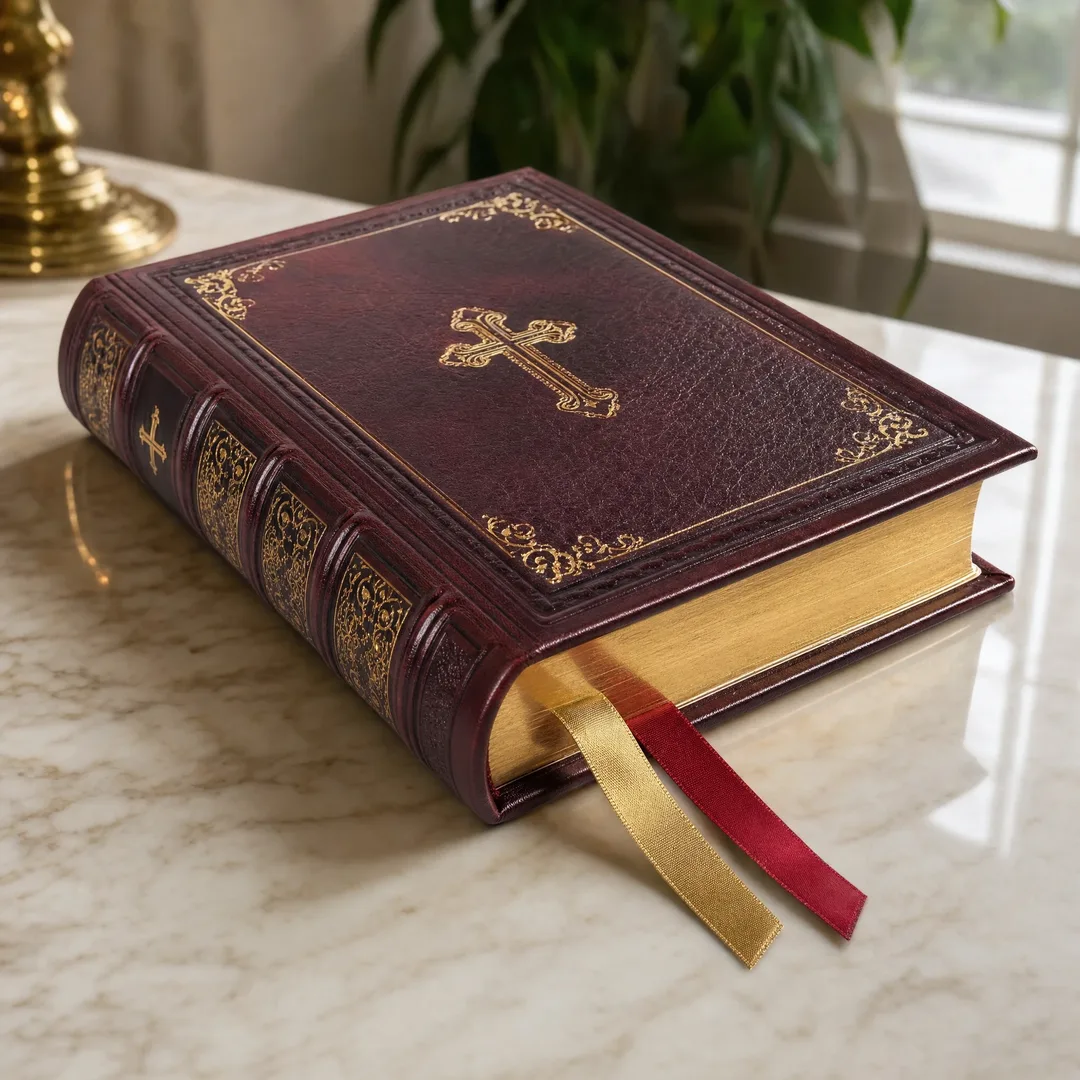
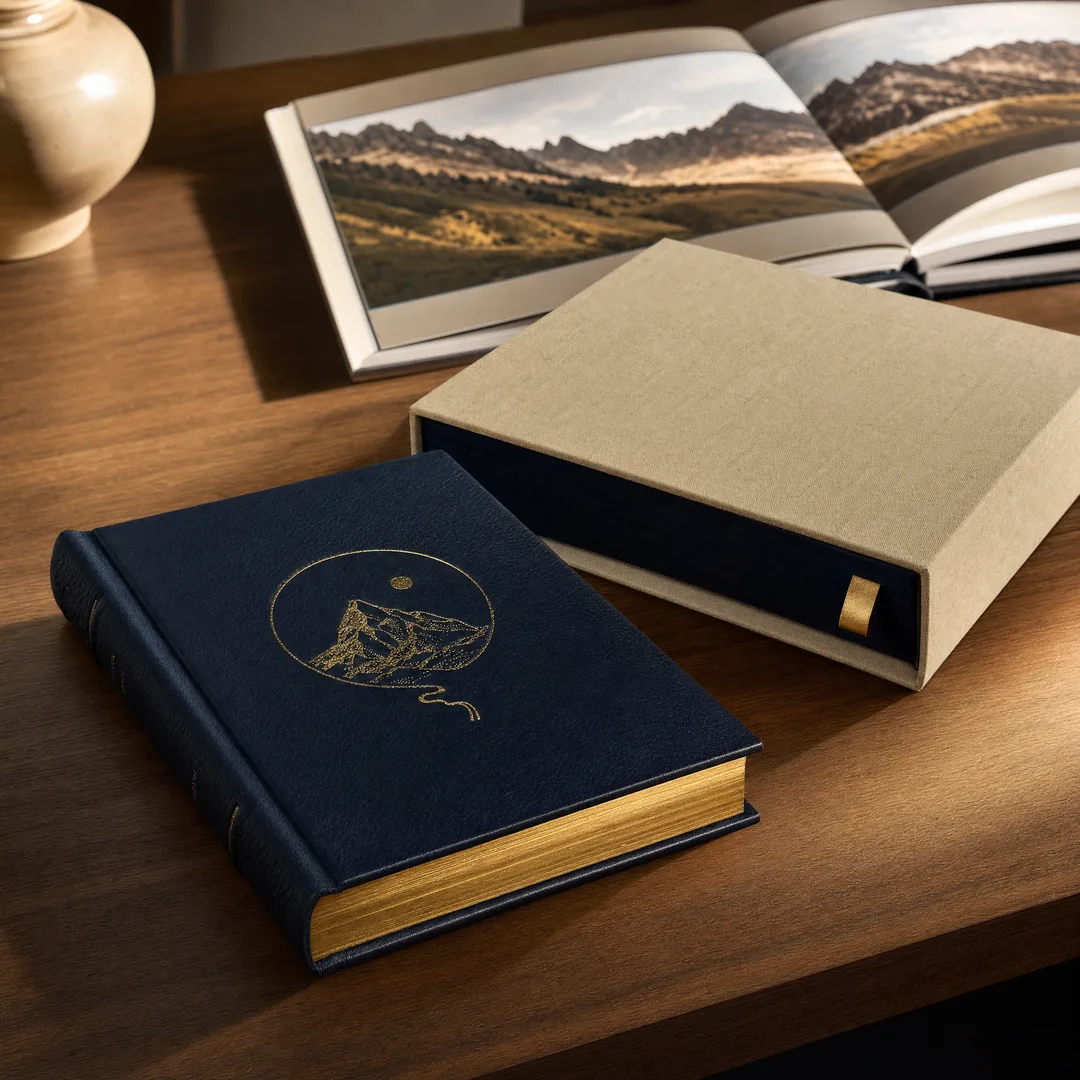
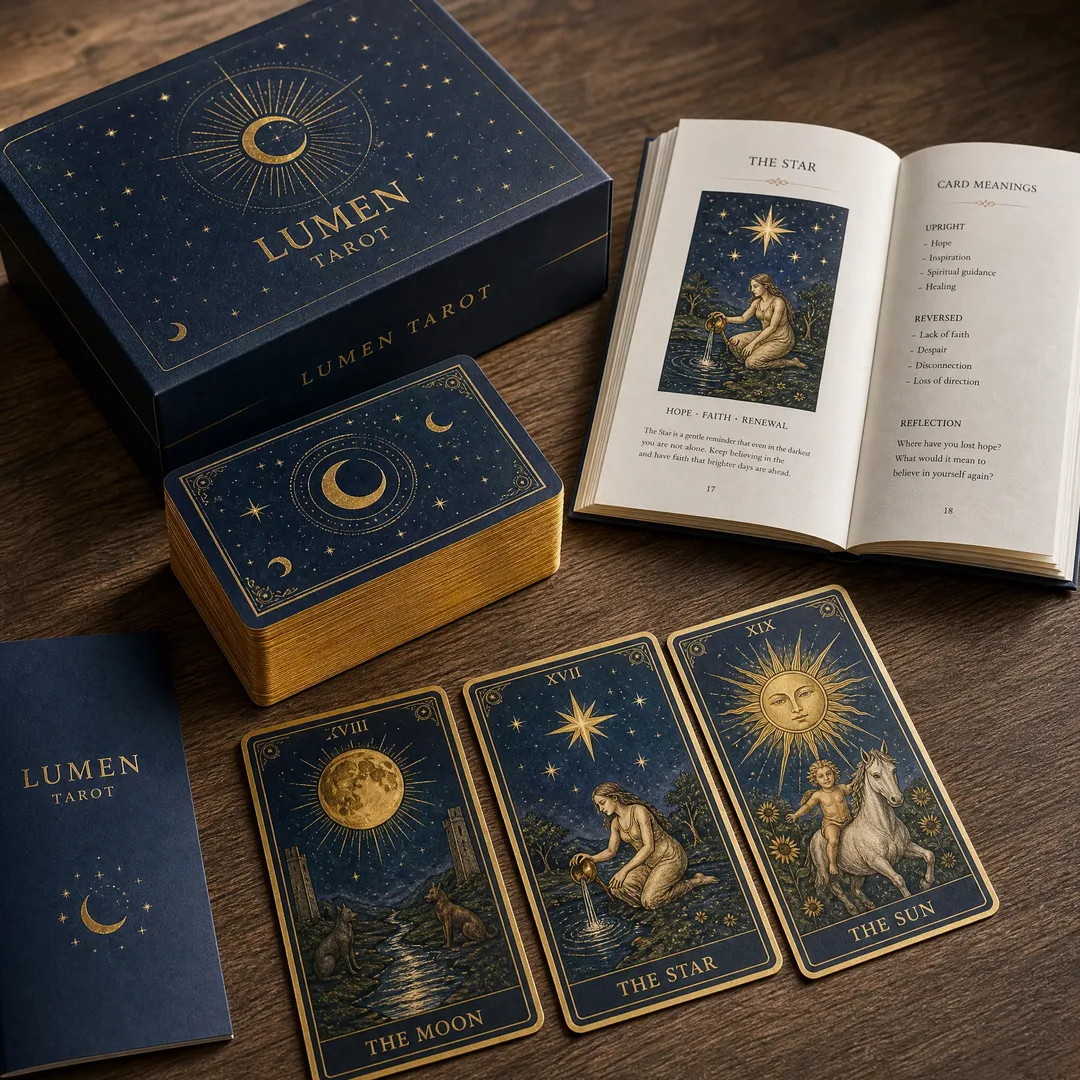
Gold, silver, copper, or holographic foil pressed onto the cover creates an immediate luxury impression. Foil stamping works best on darker paper stocks where the metallic contrast is most dramatic. It’s commonly used on premium corporate brochures, luxury real estate materials, and high-end event invitations. The setup cost is higher than lamination, but the per-unit cost drops sharply at volume.
Embossing and Debossing — Dimensional Branding
Embossing raises your design above the paper surface; debossing presses it down. Both techniques add a tactile dimension that photographs can’t capture — people instinctively run their fingers over embossed surfaces. Use it on your logo or a key graphic element. It pairs beautifully with foil stamping for a layered luxury effect.
Quantity and Pricing: What Actually Drives Cost
Here’s a truth most printing sales reps won’t volunteer: the biggest cost factor in brochure printing isn’t paper or ink. It’s setup time. Once the plates are mounted and the press is running, your additional copies cost pennies. That’s why quantity dramatically changes your per-unit economics.
Why China Wins on Price
Labor costs for printing in China run roughly 40–60% lower than in North America or Western Europe. Paper costs are also significantly lower — many of the world’s largest paper mills operate in China, which means shorter supply chains and reduced material costs. Combined, these factors mean brochure printing in China typically lands 30–50% below domestic quotes, even after international shipping. A tri-fold brochure on 157 gsm glossy art paper with matte lamination that might cost $0.80–1.20 per unit domestically often comes in at $0.30–0.60 from a Chinese printer at comparable volumes.
MOQ Realities
Most Chinese offset printing factories set minimum order quantities around 500 to 1,000 units. Below that, the setup costs make the project uneconomical for both sides. If you need fewer than 500 brochures, digital printing (available from some Chinese suppliers or from local print shops) is usually the better route. Above 5,000 units, the economies of scale really kick in — at 10,000+ brochures, the per-unit cost can drop below $0.20 for standard formats.
What Else Adds Cost
Beyond quantity, the main cost drivers are: page count (more pages = more paper and longer press time), special finishes (lamination adds ~10–15%, foil stamping adds a setup fee plus ~15–25% on unit cost), custom die-cut shapes (one-time die charge plus slower production), and rush turnaround (expect a 20–30% surcharge for production under 5 business days). The best strategy is to standardize what you can — pick a common size, use standard paper stocks, and consolidate your finishing choices — so your budget goes toward the one or two things that actually differentiate your brochure.
Why Businesses Are Choosing China for Brochure Printing
If you’ve never printed overseas, the idea can feel intimidating. Language barriers, time zones, quality concerns — they’re legitimate worries. But here’s what’s changed in the last decade: Chinese printing factories that focus on export markets have invested heavily in English-speaking sales teams, international quality certifications, and logistics partnerships with DHL, FedEx, and major freight forwarders. The experience gap between ordering from a domestic printer and a reputable Chinese manufacturer has narrowed dramatically.
Cost Advantage — But Only With the Right Partner
The price gap is real, but it only materializes when you work with a factory that actually specializes in your product type. A general-purpose printer might quote low and deliver mediocre results. A factory that prints brochures and marketing materials day in and day out will have the right equipment, paper stocks, and finishing stations already dialed in. At EcoPrinting, for example, brochure projects benefit from dedicated folding lines and in-house lamination equipment — no outsourcing to third-party finishing shops, which is where quality goes sideways and timelines bloat.
Quality That Competes
Modern Chinese printing facilities often run the same Heidelberg, Komori, or Ryobi offset presses you’d find in a top-tier European or American print shop. The Heidelberg Speedmaster series — the gold standard for commercial offset printing — is ubiquitous in major Chinese print hubs like Shenzhen, Dongguan, and Shanghai. Ink systems, color management software, and quality control protocols are globally standardized. A G7-certified Chinese printer (meaning they’ve passed rigorous color calibration certification) will match or exceed the output of a comparably equipped Western shop.
Turnaround That Surprises
Production time for standard brochure printing runs 5–10 business days at most export-oriented Chinese factories. Express shipping via DHL or FedEx adds 3–7 days. Sea freight adds 3–5 weeks but drops the shipping cost by 70–80%. The total timeline — from file submission to brochures in hand — is typically 3–6 weeks for air-shipped orders. That’s competitive with many domestic printers during peak season, especially for complex finishing.
How to Choose a Brochure Printing Partner in China
Not all Chinese printers are equal. Some are world-class. Some are… not. Here’s how to separate the wheat from the chaff.
Factory vs. Trading Company
This is the single most important distinction. A factory owns its presses, cutting machines, and finishing equipment. A trading company is a middleman that sources from multiple factories. Trading companies can be useful if you have a complex multi-product order, but for brochure printing specifically, dealing directly with a factory eliminates markup, improves communication accuracy, and gives you direct access to production updates. Ask: “Do you own your production equipment?” A trading company will hedge; a factory will answer immediately with specific machine models.
Check Their Specialization
A factory that primarily prints packaging boxes and occasionally does brochures is not your factory. Look for printers whose core business includes commercial printing, marketing materials, or book printing — these product categories share overlapping capabilities with brochure production. Check their website for case studies and product galleries. If they can’t show you multiple brochure examples they’ve printed, keep looking.
Prepress and Communication
The best Chinese printers offer free prepress file checks. They’ll catch issues with bleed, resolution, color mode, and font embedding before your job goes to press. This service alone can prevent expensive mistakes. During your initial inquiry, test their communication: do they respond within 1–2 business hours? Do they ask clarifying questions about your project, or just send a generic price list? Good communication is the single best predictor of a smooth printing experience.
Samples and Proofs
Never skip this step. Reputable Chinese printers will provide a digital printed sample (sometimes called a “dummy” or “proof copy”) before starting mass production. This is your last chance to verify colors, paper feel, folding accuracy, and overall quality. Review it carefully. If possible, request a physical sample mailed to you — the cost of FedEx-ing a single brochure is nothing compared to the cost of receiving 5,000 brochures you can’t use.
File Preparation: Get It Right Before You Send
File prep mistakes are the number one cause of printing delays and quality issues. These guidelines apply whether you’re printing domestically or in China.
Color Mode: CMYK, Not RGB
Offset presses print in CMYK (cyan, magenta, yellow, black). If you design in RGB (red, green, blue) — which is what your computer screen displays — the automatic conversion during prepress will shift your colors, sometimes dramatically. Bright blues and vivid greens are the most common casualties. Design your file in CMYK from the start, or convert before exporting. Most professional design software (Adobe InDesign, Illustrator, Affinity Publisher) supports native CMYK workflows.
Resolution: 300 DPI Minimum
All raster images — photos, scanned graphics, textured backgrounds — should be at least 300 DPI at their final printed size. Lower resolution looks fine on screen but prints soft and pixelated. Vector graphics (logos, illustrations created in Illustrator) are resolution-independent, so they’re always safe. When in doubt, zoom in to 100% in your design software; if it looks sharp on screen at actual size, it’s probably fine.
Bleed: Extend Your Backgrounds
Bleed is the extra 3 mm (0.125 inches) of artwork that extends beyond the trim line on all sides. Without bleed, any slight cutting misalignment leaves an unprinted white edge. Most Chinese printers request 3 mm bleed for all files. Set up your document with bleed from the beginning — adding it as an afterthought usually means rebuilding parts of your layout.
File Format: PDF/X Standards
Export your final artwork as a PDF/X-1a or PDF/X-4 file. These are ISO-standardized formats designed specifically for print production. They embed all fonts, maintain proper color profiles, and minimize the risk of prepress errors. Avoid sending native design files (INDD, AI) unless your printer specifically requests them. And please — don’t send a Word document and expect it to print like a professionally designed brochure. It won’t.
Shipping, Customs, and Getting Your Brochures Home
The logistics of brochure printing from China aren’t complicated once you understand the options. Here’s the framework:
Express Shipping — Fast, Trackable, Pricier
DHL, FedEx, and UPS all operate extensive networks in China. For brochure orders up to about 50 kg, express shipping is the most practical option. Delivery to the US or Europe takes 3–7 business days. Tracking is door-to-door. The cost per kilogram drops as package weight increases, so consolidate whenever possible.
Air Freight — The Volume Sweet Spot
For orders above 50–100 kg, air freight becomes more economical than express. Shipping time is similar (5–10 days), but you’ll need a customs broker or freight forwarder to handle clearance at the destination port. Your Chinese printer can usually recommend a forwarder or arrange the shipment for you.
Sea Freight — Maximum Savings, Maximum Patience
Sea freight is the cheapest option by a wide margin — shipping costs drop to pennies per brochure for large orders. The trade-off is time: 25–40 days transit, plus customs clearance at the destination port. Sea freight makes sense for orders above 500 kg, or when you have a planned distribution schedule and don’t need rush delivery. Many businesses time their brochure orders to coincide with slower production seasons (avoid Chinese New Year, which shuts down most factories for 2–3 weeks in January/February).
Customs and Duties
Printed materials — including brochures, catalogs, and books — are generally duty-free when imported into the United States and many other countries. However, always verify with your local customs authority. If your brochures include any commercial product samples attached (like fabric swatches or material chips), those may trigger different tariff classifications. Your printer should provide a detailed packing list and commercial invoice to facilitate smooth customs clearance.
Final Questions Before You Order
Before you send that deposit, run through this checklist. These are the questions that separate smooth projects from regret-filled ones.
Is Your File Actually Print-Ready?
CMYK color mode? Check. 300 DPI images? Check. 3 mm bleed on all sides? Check. Fonts embedded or outlined? Check. PDF/X format? Check. One more thing: review your brochure at actual printed size on screen or, better yet, print a draft on your office printer and fold it exactly how the finished piece will fold. You’ll catch layout and readability issues that are invisible at 200% zoom.
Have You Confirmed the Finishing Details?
“Matte lamination” means different things to different printers. Be specific: matte lamination on which side(s)? What thickness? Is the lamination film PET or OPP (they feel different)? If you’re doing spot UV, have you provided a separate spot UV layer in your file clearly marking which areas get the treatment? These details are easy to overlook in email threads but impossible to fix once production starts.
What’s Your Real Deadline?
Build in buffer time. Production estimates are best-case scenarios. Add 2–3 extra business days for file adjustments, proof review, and the inevitable back-and-forth. Add another week for customs clearance if you’re shipping internationally. If you need brochures for a trade show on October 1st, treat September 1st as your deadline — not September 25th.
Does Your Printer Offer Quality Guarantees?
The best printers stand behind their work. Ask about their quality guarantee policy: will they reprint or refund if the final product doesn’t match the approved proof? A printer that hesitates on this question is one you should hesitate to pay. At minimum, insist on seeing a printed proof before committing to the full run.
Make Brochure Printing Work for Your Business
Brochure printing doesn’t have to be complicated or expensive. Most of the headaches I’ve seen come from two things: rushing the prepress stage and choosing a printer based on price alone. The prepress part is entirely within your control — follow the file preparation guidelines earlier in this guide and you’ll avoid 90% of common issues. The printer selection part requires a bit more diligence, but the payoff is substantial.
A well-printed brochure — on good paper, with clean folds, and a finish that feels intentional — is one of the most cost-effective marketing tools available. It sits on someone’s desk. It gets passed around an office. It lives in a folder that gets opened six months later. Digital ads disappear in seconds. Brochures have staying power.
If you’re considering custom brochure printing from China , do your homework on the printer, request samples, and don’t be shy about asking detailed questions. The price advantage is real, but it’s only meaningful when the quality matches your expectations. When you find the right partner, you’ll wonder why you ever paid domestic prices.