Introduction
Color is one of the most powerful tools in any designer’s toolkit. Yet one of the most common ??and costly ??mistakes in professional design is using the wrong color mode for the wrong medium. Whether you’re preparing artwork for a commercial print run or designing a website interface, understanding the difference between CMYK and RGB is not optional. It’s fundamental.
These two color spaces operate on completely different principles, serve different purposes, and produce dramatically different results when used incorrectly. For print buyers ordering business cards, packaging, or brochures, and for designers delivering production-ready files, mastering CMYK vs RGB will save time, money, and more than a few headaches.
What Is RGB? The Color Mode of Screens
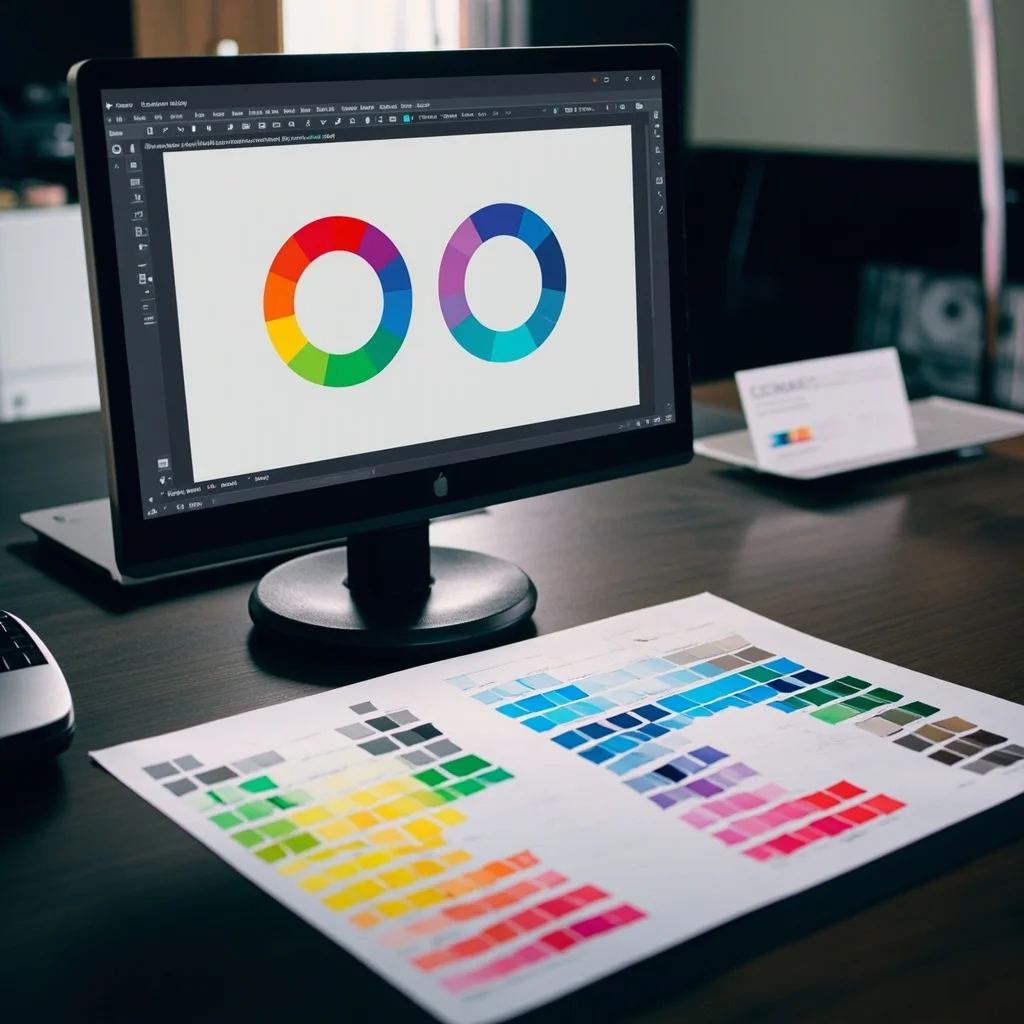
RGB stands for Red, Green, and Blue ??the three primary colors of light. In this color model, colors are created by adding light together. When all three channels are combined at full intensity, you get pure white. When all are set to zero, the result is complete darkness (black).
RGB is the native color space of every screen-based device: computer monitors, smartphones, tablets, televisions, and digital cameras all display color using RGB values. Each pixel emits varying intensities of red, green, and blue light, which your eyes blend into the full spectrum of visible color.
In RGB, each channel is assigned a value from 0 to 255, giving designers access to over 16 million possible colors. This makes RGB ideal for digital design work ??web design, social media graphics, UI/UX design, video production, and any content destined for screen display.
Key characteristics of RGB:
- Additive color model (light-based)
- Over 16 million colors available
- Native to screens and digital displays
- Not suitable for direct use in commercial printing
- File formats: JPEG, PNG, GIF, WebP (screen-optimized)

What Is CMYK? The Color Mode of Printing
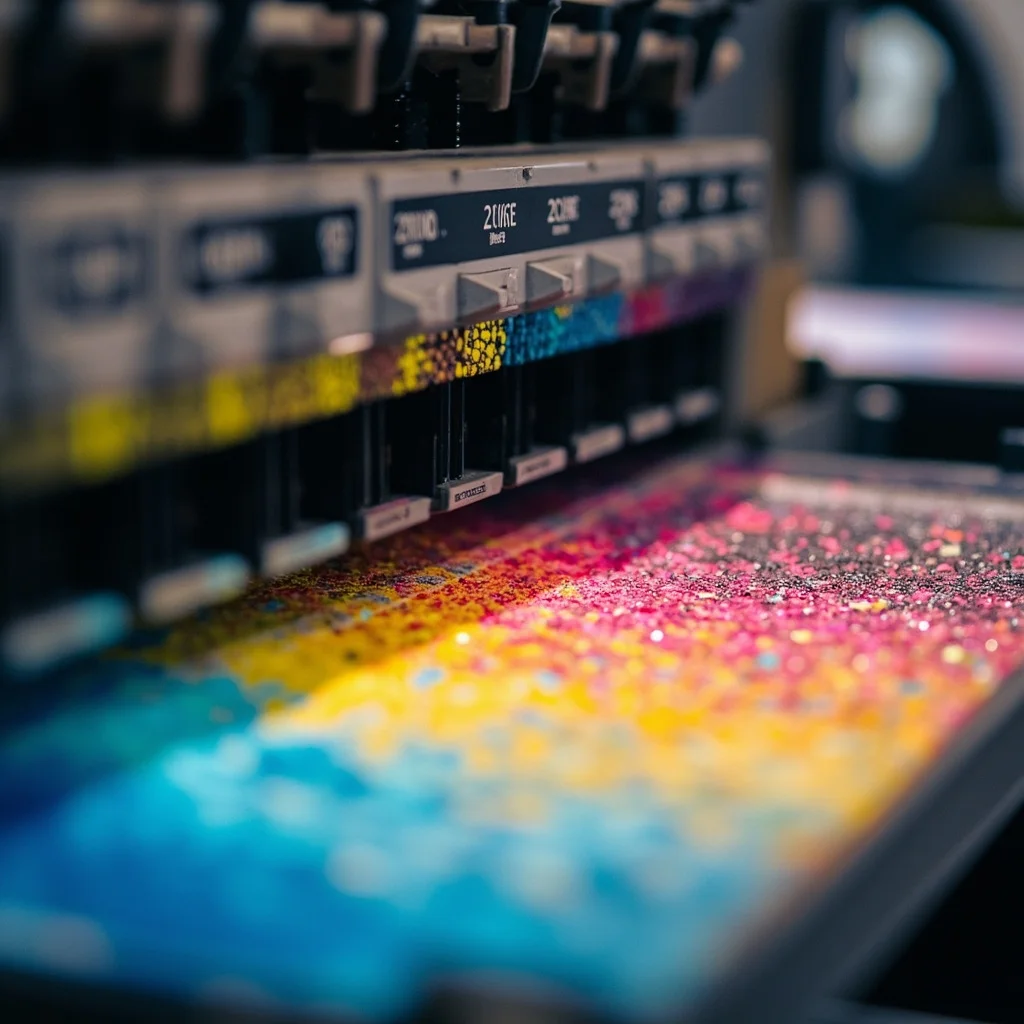
CMYK stands for Cyan, Magenta, Yellow, and Key (Black) ??the four ink colors used in professional print design and commercial offset printing. Unlike RGB, CMYK is a subtractive color model: colors are created by absorbing (subtracting) certain wavelengths of light and reflecting others back to the viewer.
When you layer cyan, magenta, and yellow inks, they theoretically combine to produce black ??but in practice, real-world inks are impure, so a separate Key (Black) ink is added to produce crisp, deep blacks and sharp text.
In CMYK, each channel is expressed as a percentage from 0% to 100%, representing the amount of each ink applied. Commercial printers ??whether running offset lithography, digital press, or large-format equipment ??require files in CMYK color space to accurately reproduce artwork on physical substrates.
Key characteristics of CMYK:
- Subtractive color model (ink-based)
- Four-color process printing standard
- Slightly narrower color gamut than RGB
- Required for professional printing workflows
- File formats: PDF (print-ready), TIFF, EPS, AI
CMYK vs RGB: The Critical Differences
Understanding how these two color modes differ is essential before you submit files to a printer or launch a digital campaign.
| Feature |
RGB |
CMYK |
| Model Type |
Additive (light) |
Subtractive (ink) |
| Primary Colors |
Red, Green, Blue |
Cyan, Magenta, Yellow, Black |
| Color Range (Gamut) |
Wider |
Narrower |
| Used For |
Screens, digital media |
Commercial printing |
| Typical Values |
0-255 per channel |
0-100% per channel |
| Black Representation |
R:0, G:0, B:0 |
C:0, M:0, Y:0, K:100 |
The most important practical difference is color gamut. RGB can display vibrant neon colors that simply cannot be reproduced with standard printing inks. When an RGB file is converted to CMYK for printing, these out-of-gamut colors are remapped to the closest printable equivalent, often appearing noticeably duller or shifted.
This is why print buyers frequently experience the disappointment of seeing their bright screen design look muted or flat on the finished printed piece. The solution is straightforward: design in CMYK from the start when the end product is printed.
When to Use Each Color Mode
Choosing the right color space from the beginning of your project workflow eliminates conversion problems and ensures color accuracy across all deliverables.
Use RGB when:
- Designing for websites, apps, or digital platforms
- Creating social media graphics or digital ads
- Producing video content or motion graphics
- Delivering files for screen display only
Use CMYK when:
- Preparing artwork for offset or digital printing
- Designing brochures, catalogs, packaging, or business cards
- Submitting print-ready files to a commercial printer
- Working on large-format printing (banners, signage, displays)
For projects that require both print and digital outputs ??such as a brand identity system or marketing campaign ??best practice is to maintain a CMYK master file and export an RGB version for digital use. Most professional design applications, including Adobe Illustrator, InDesign, and Photoshop, allow you to work in CMYK while exporting RGB-optimized versions as needed.
One additional note for print buyers: always request a soft proof or hard proof before approving large print runs. Proofing allows you to verify how colors will actually reproduce in print, catching any gamut conversion issues before they appear on thousands of finished pieces.
Conclusion: Get Your Color Mode Right Before You Print
The distinction between CMYK and RGB is not merely technical ??it has a direct, visible impact on the quality of every printed and digital design you produce. RGB gives digital designers a wider, more vibrant color palette for screen media. CMYK is the industry-standard color mode for professional printing, ensuring that colors are accurately reproduced with ink on paper, board, or any physical substrate.
For designers, understanding both color spaces and knowing when to apply each one is a core professional competency. For print buyers, it’s the key to avoiding costly reprints and color surprises.
The rule is simple: design digital in RGB, design for print in CMYK ??and always convert intentionally, never accidentally.
Working on a print project and unsure about color setup? Contact our prepress team for expert file preparation support and color guidance.